









Skip to Content
El Bostan Mall and Nasr City branches Fast shipping across Egypt
ASUS VIVOBOOK LAPTOPS

ASUS Vivobook Laptops in Egypt

Explore ASUS Vivobook laptops for study, productivity and content creation, from lightweight everyday models to Vivobook 16X with discrete graphics and Vivobook S OLED with high-resolution displays. Pricing, images, specifications and availability are read directly from Odoo when the page opens.

Vivobook 14 / 15 / 16OLED and IPSIntel Core / Core Ultra / Ryzen AI
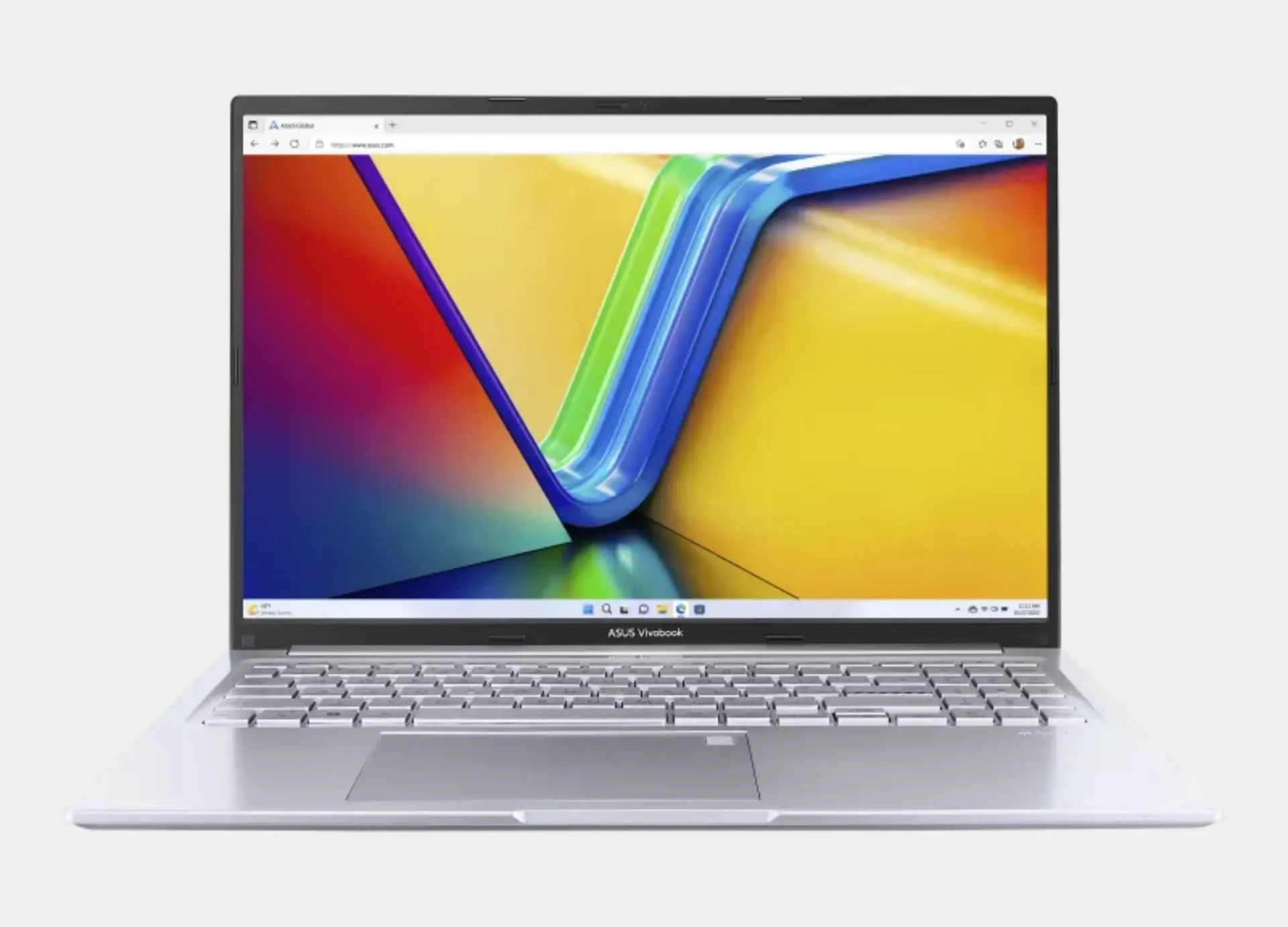
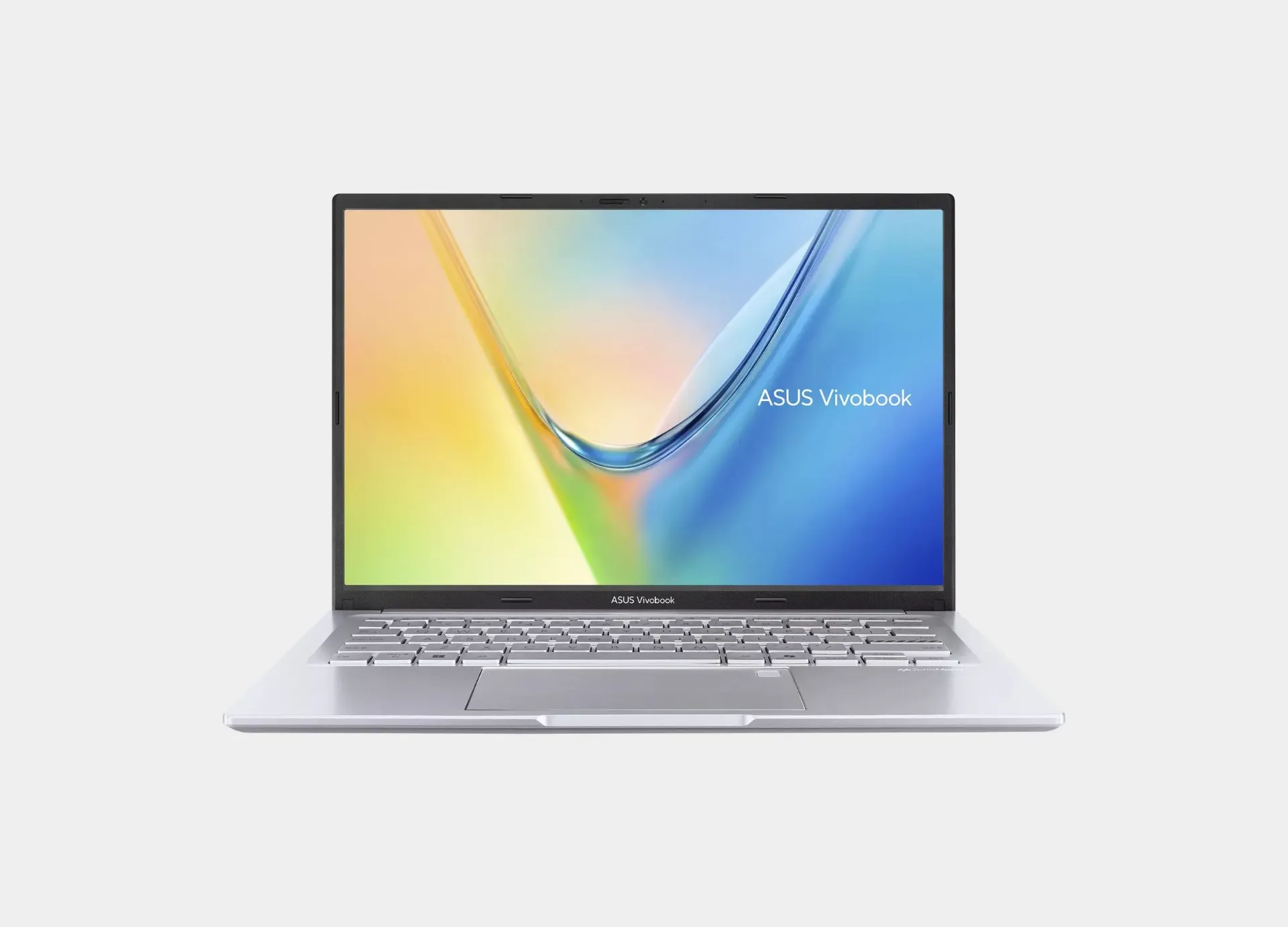
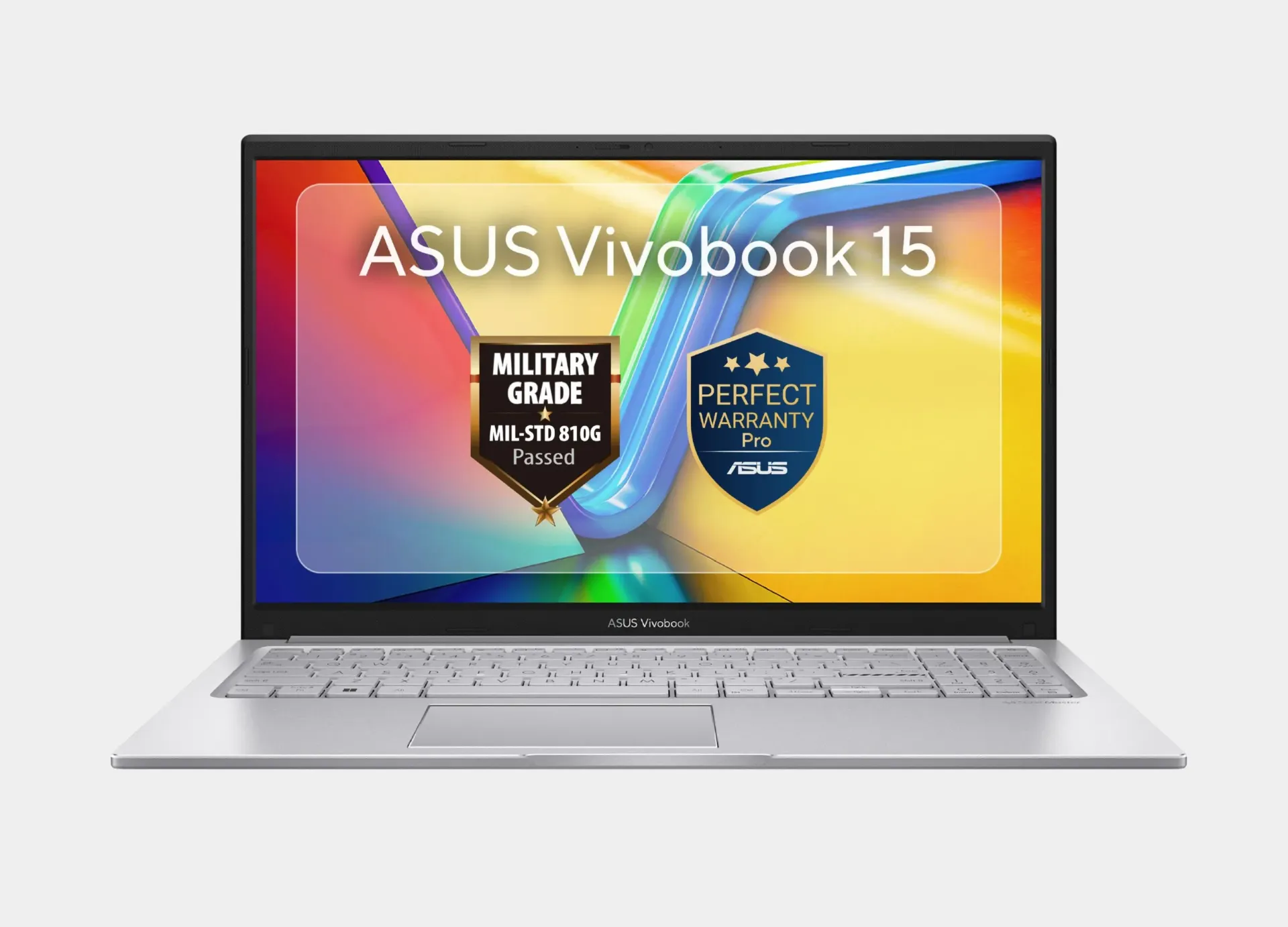
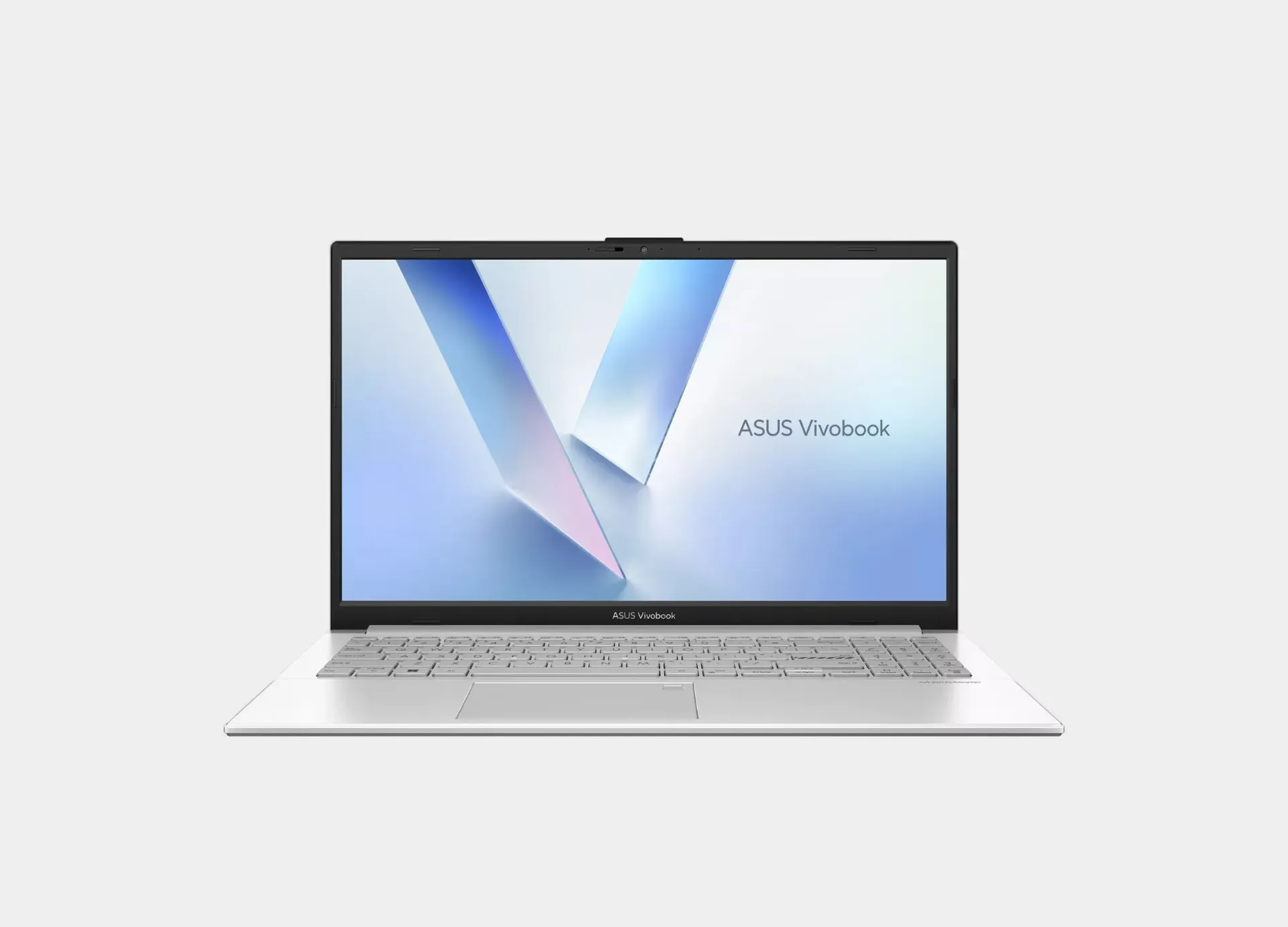
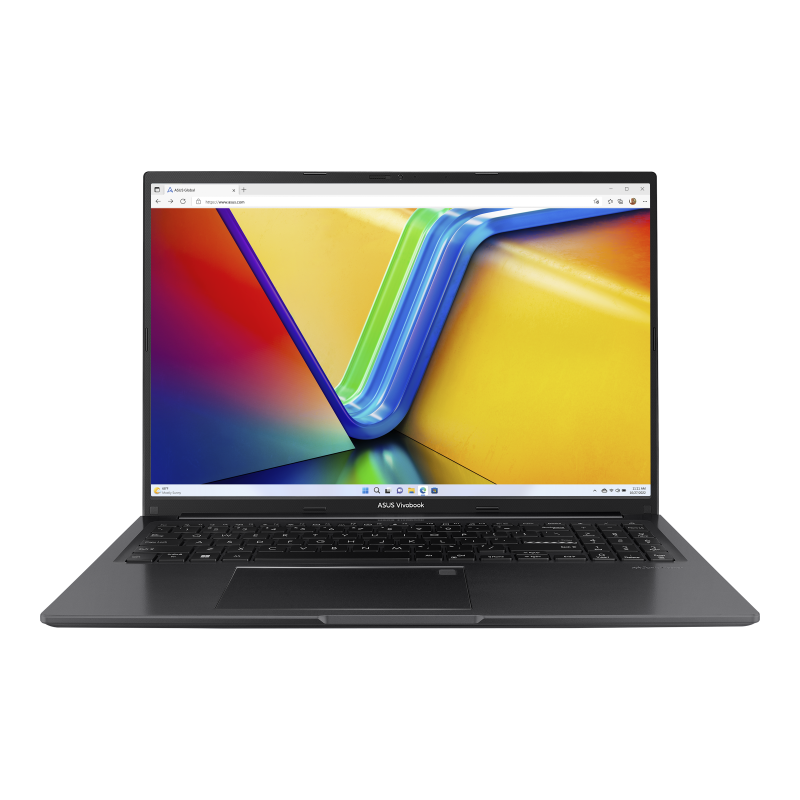
ASUS Vivobook laptop available at ABC Shop
Available or coming soon at ABC Shop

Current and upcoming ASUS Vivobook models

Published products assigned to the ASUS Vivobook tag are shown when they are in stock or carry the Comming Soon ribbon in Odoo. Compare processor, memory, storage, display and price, then open the original product page for final details.

Open comparison table
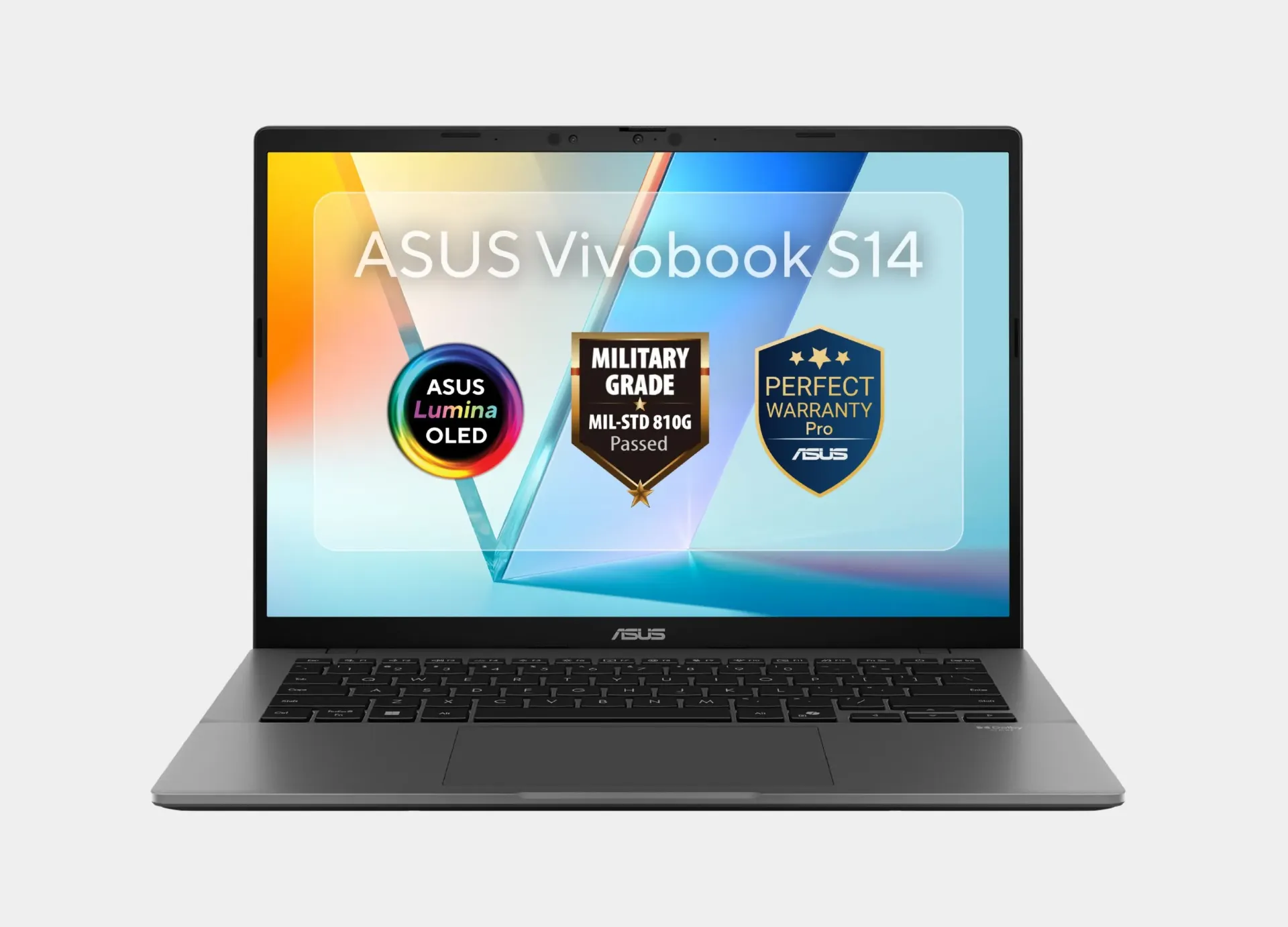
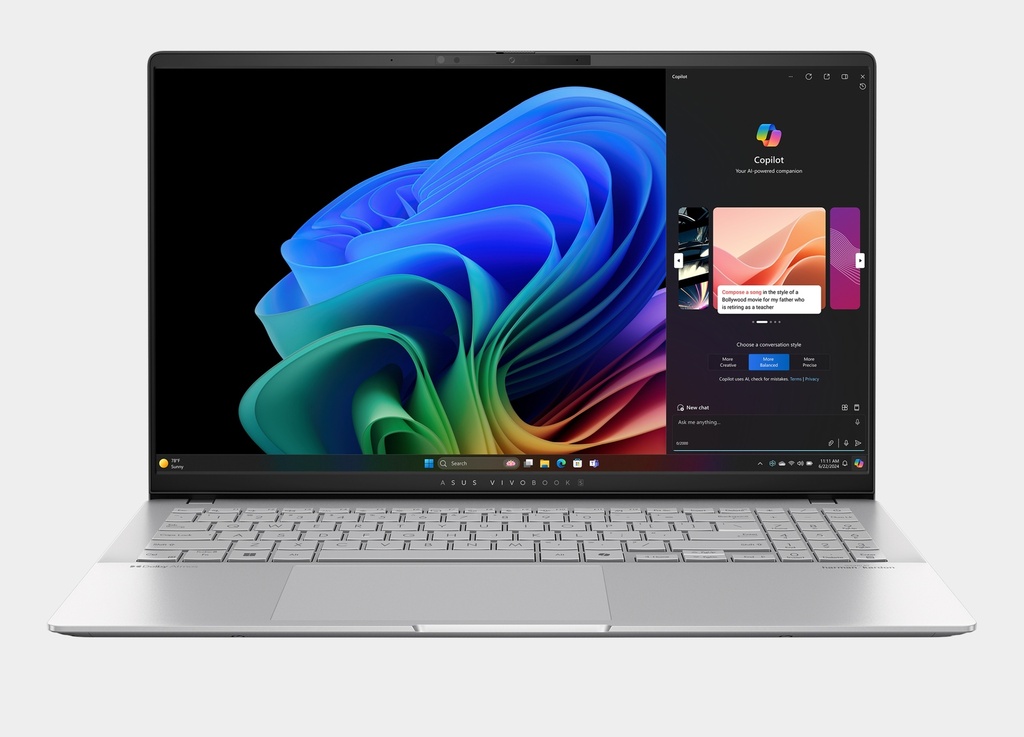
In stock ASUS VivoBook S 15 Snapdragon OLED S5507QA-MA037W

ASUS VIVOBOOK

ASUS VivoBook S 15 Snapdragon OLED S5507QA-MA037W

90NB14Q2-M00BV0

  • ProcessorSnapdragon® X Plus X1P-42-100
  • GraphicsQualcomm® Adreno™ GPU
  • Memory16GB LPDDR5x On Board
  • StorageNVMe™ 1TB PCIe® 4.0
  • Display120Hz · OLED · 2.8k (2880x1620)

Operating system: Windows 11 Home

Current price 54,999.00 LE
View product and details
Practical buying guide

How to choose the right ASUS Vivobook

Vivobook is a broad laptop family rather than a single performance tier. It includes portable everyday laptops, larger 16-inch productivity models, OLED configurations for display-focused buyers and higher-performance 16X or S models.

Start with your real workload, then compare processor, memory, display type, weight and storage. Do not rely on the Vivobook name alone; use the full model code and original product page as the final reference before ordering.

Live Odoo data Price, image, inventory and essential specifications come from the current product record.
Coming-soon support An out-of-stock product can still appear when it carries the Comming Soon ribbon.
Use-case comparison The guide separates study, productivity, OLED and higher-performance needs instead of treating every Vivobook as the same.
ASUS Vivobook laptop for productivity, study and content creation
ASUS Vivobook comparison

Compare available and upcoming Vivobook models

The table uses current Odoo product data. Prices, stock and product status can change, so verify the original product page before ordering.

Model Processor Graphics Memory Storage Display Best for Details
ASUS VivoBook S 15 Snapdragon OLED S5507QA-MA037W90NB14Q2-M00BV0 Snapdragon® X Plus X1P-42-100 Qualcomm® Adreno™ GPU 16GB LPDDR5x On Board NVMe™ 1TB PCIe® 4.0 120Hz · OLED · 2.8k (2880x1620) Details
ASUS Vivobook 16 X1605VA-OACH007W | i7 13620H intel UHD OLED90NB10N2-M02TC0 Intel® Core™ i7 13620H Intel® UHD Graphics 16GB DDR4 3200MHz NVMe™ 512GB PCIe® 4.0 Full HD (1920x1200) · 60Hz · OLED Balanced choice Details

ASUS VivoBook S 15 Snapdragon OLED S5507QA-MA037W

Processor
Snapdragon® X Plus X1P-42-100
Graphics
Qualcomm® Adreno™ GPU
Memory
16GB LPDDR5x On Board
Storage
NVMe™ 1TB PCIe® 4.0
Display
120Hz · OLED · 2.8k (2880x1620)
Details

ASUS Vivobook 16 X1605VA-OACH007W | i7 13620H intel UHD OLED

Processor
Intel® Core™ i7 13620H
Graphics
Intel® UHD Graphics
Memory
16GB DDR4 3200MHz
Storage
NVMe™ 512GB PCIe® 4.0
Display
Full HD (1920x1200) · 60Hz · OLED
Details
Choose by use case

Which Vivobook category fits your needs?

Choose by workload, display and required performance, then compare the currently listed models within that category.

Study and everyday productivity

A practical fit for web browsing, Office, meetings, study and general productivity with more emphasis on portability and value.

  • Choose Vivobook 14 or 15 based on preferred screen size.
  • 8GB or 16GB depending on multitasking needs.
  • 512GB NVMe is a practical starting point.
View practical choices

Heavier productivity and a larger display

Vivobook 16 provides more workspace, while Core Ultra or higher-tier processors can provide more headroom for modern multitasking workloads.

  • 16-inch workspace for documents and multitasking.
  • 16GB memory is comfortable for most users.
  • Compare IPS and OLED based on your display priorities.
View Vivobook 16 options

Creation and higher performance

Consider Vivobook S OLED or 16X when display quality, graphics performance or creative work matters more.

  • Higher-resolution OLED options for visual work.
  • Ryzen AI or Core H/Ultra processors depending on model.
  • Some 16X models include discrete NVIDIA graphics.
View higher-tier models
Understand the specifications

Key ASUS Vivobook specifications to compare

Processor

U-series processors suit efficient everyday work, while H-series, Core Ultra and Ryzen AI configurations provide more headroom for heavier workloads and multitasking depending on the model.

Memory and storage

16GB is a comfortable target for heavier productivity and multitasking, while 8GB can suit basic use. Also verify upgrade support and SSD capacity.

IPS or OLED?

IPS is a balanced practical option, while OLED offers stronger contrast and richer color for media and creative work. Also compare resolution, brightness and refresh rate.

Graphics

Intel UHD/Arc or Radeon graphics suit general productivity and some creative work. Discrete NVIDIA graphics in selected 16X models can help graphics-heavy applications and lighter gaming depending on the GPU.

Why Vivobook?

What makes the ASUS Vivobook family useful?

Multiple screen sizes

14, 15 and 16-inch models for portability or desktop-style productivity.

Display choices

IPS and OLED configurations with different resolutions and refresh rates.

Several performance tiers

From everyday processors to Core Ultra, Ryzen AI and selected discrete-GPU configurations.

Broad use cases

Study, office work, productivity and content creation within one product family.

Pre-purchase checklist

Check these points before buying an ASUS Vivobook

Define your primary use

  • Choose the screen size that fits portability or desk work.
  • Decide whether OLED matters or IPS is sufficient.
  • Determine whether integrated graphics are enough or you need a discrete GPU.
  • Set a realistic minimum for memory and storage.

Verify the exact model

  • Confirm the complete model code because configurations vary under the same family name.
  • Review ports, operating system, weight and charger.
  • Confirm current price and whether the product is in stock or Coming Soon.
  • Check warranty and supported memory or storage upgrades.
Quick answers

Frequently asked questions about ASUS Vivobook laptops

What is the difference between Vivobook 14, 15 and 16?

Screen size and dimensions are the most obvious differences, but processor, memory and display type also vary by model code. Choose the form factor first, then compare the exact configuration.

When should I choose a Vivobook OLED?

Choose OLED when image quality, contrast and color are priorities, especially for media or creative work. Check the exact resolution and refresh rate of the selected model.

Is Vivobook suitable for study and office work?

Yes. The range includes many configurations built around study, office productivity and general work. Choose the processor, memory and screen size around your actual applications.

Are there Vivobook models with discrete graphics?

Yes. Selected Vivobook 16X configurations include discrete NVIDIA graphics. Always verify the graphics field on the product page because the family name alone does not guarantee a discrete GPU.

Does this page show out-of-stock products?

It shows published products that are in stock, plus an out-of-stock product when it carries the Comming Soon ribbon in Odoo.

How do I know a product is coming soon?

Its product card shows a Coming Soon badge when quantity is unavailable and the product carries the Comming Soon ribbon.

Start comparing

Choose the ASUS Vivobook that fits your workload

Compare current and upcoming models, then open the product page to verify pricing, specifications and availability before buying.