












Product Overview
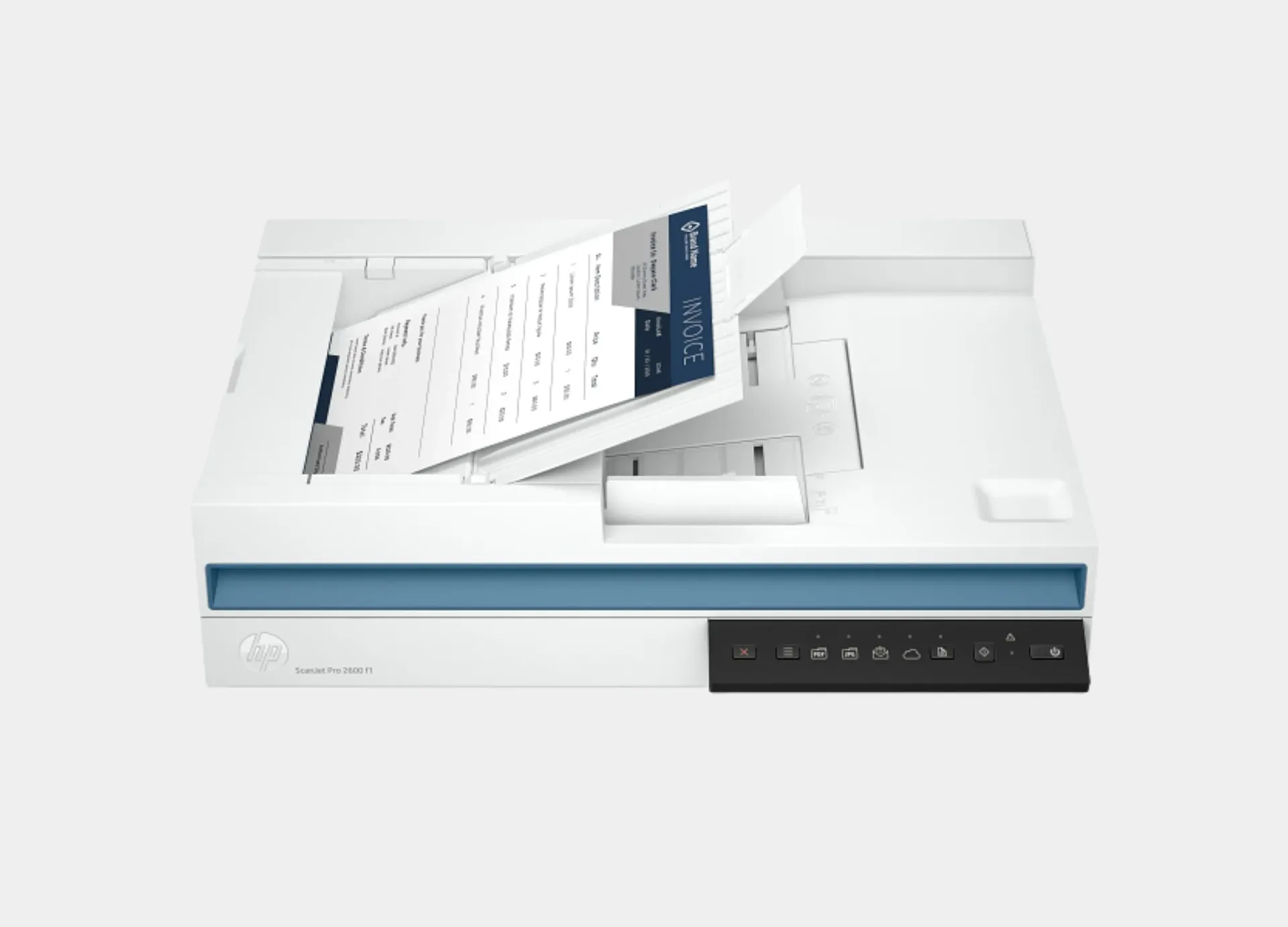
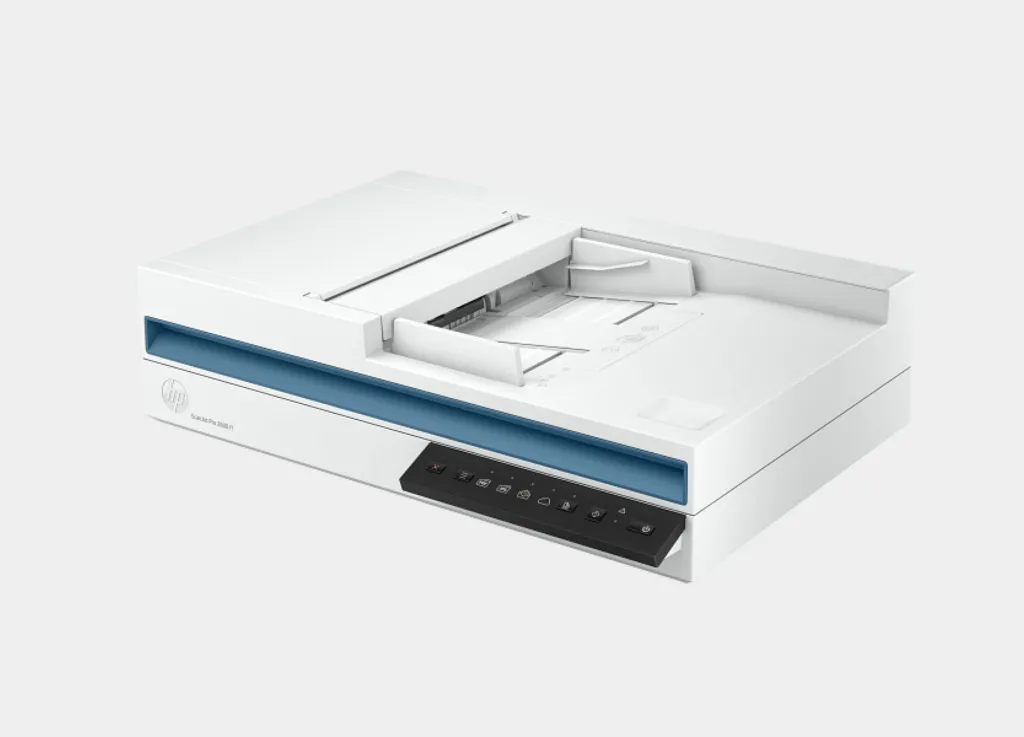
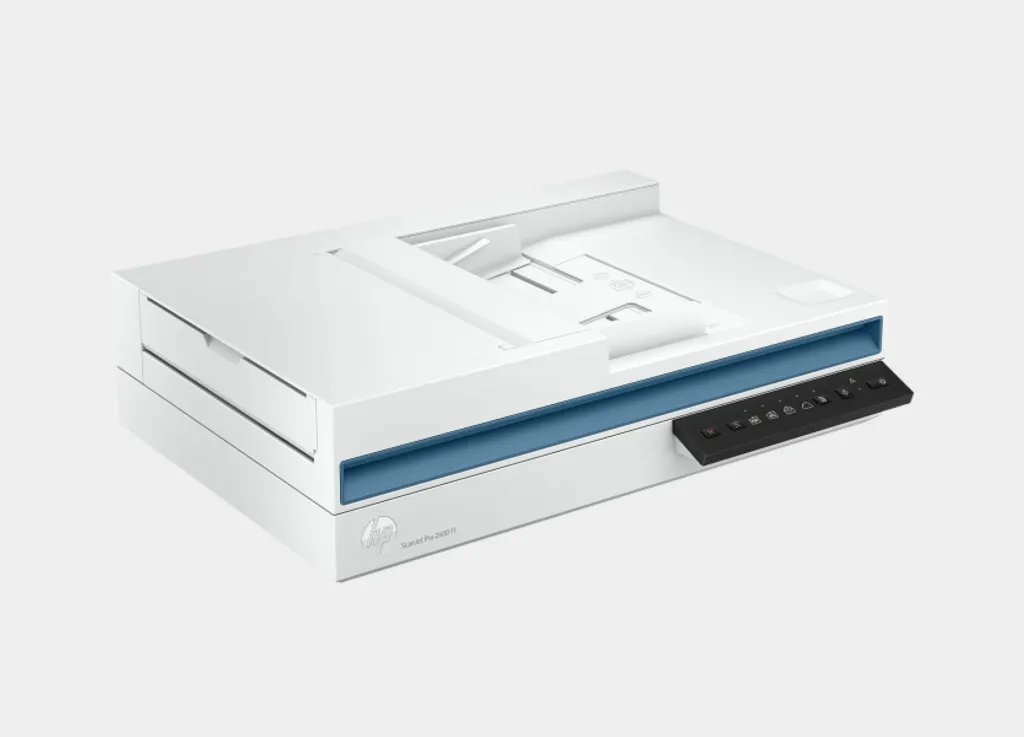
HP ScanJet Pro 2600 f1 (20G05A)
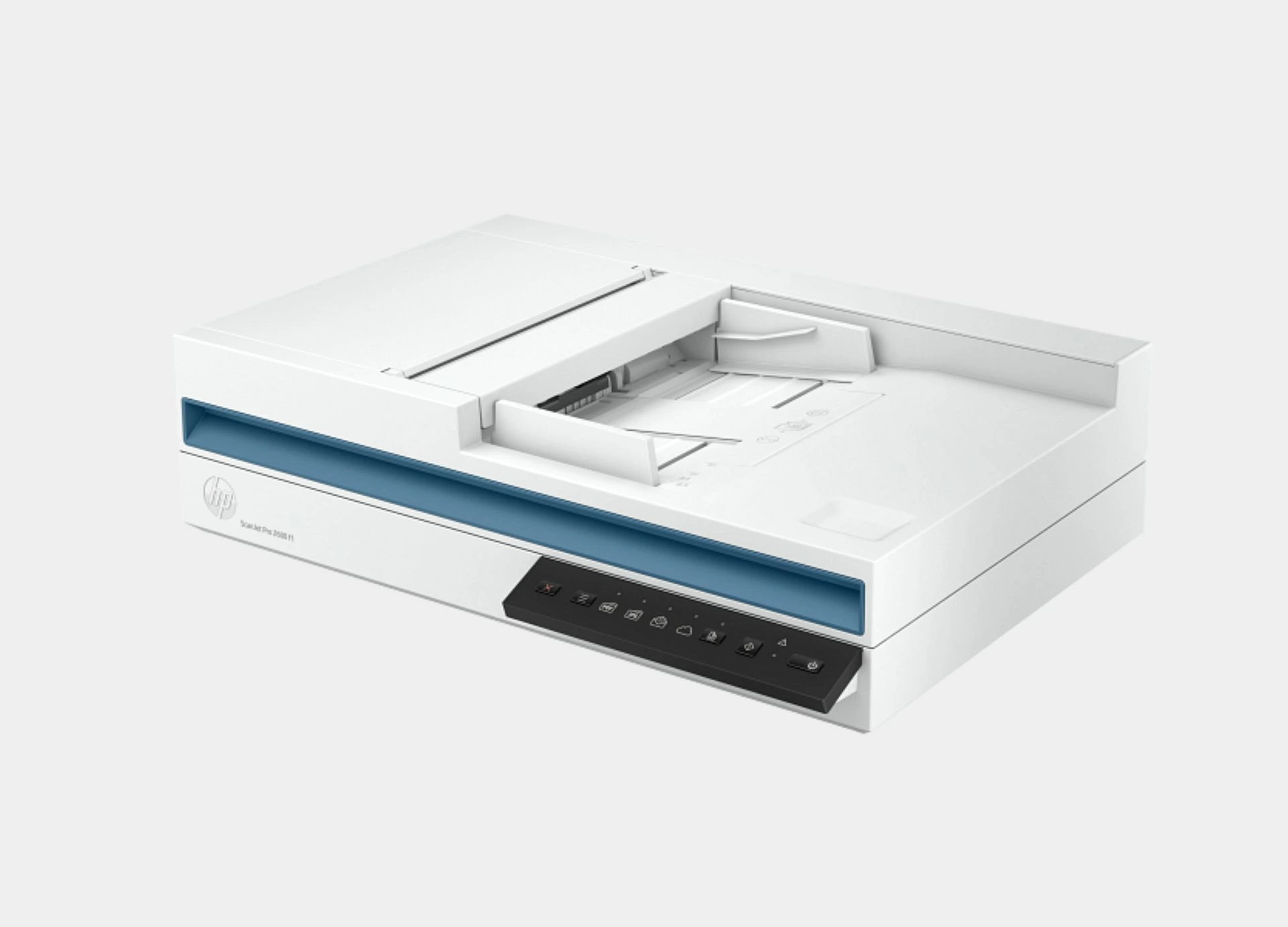
The comprehensive guide to the features of the HP ScanJet Pro 2600 f1 (20G05A) scanner
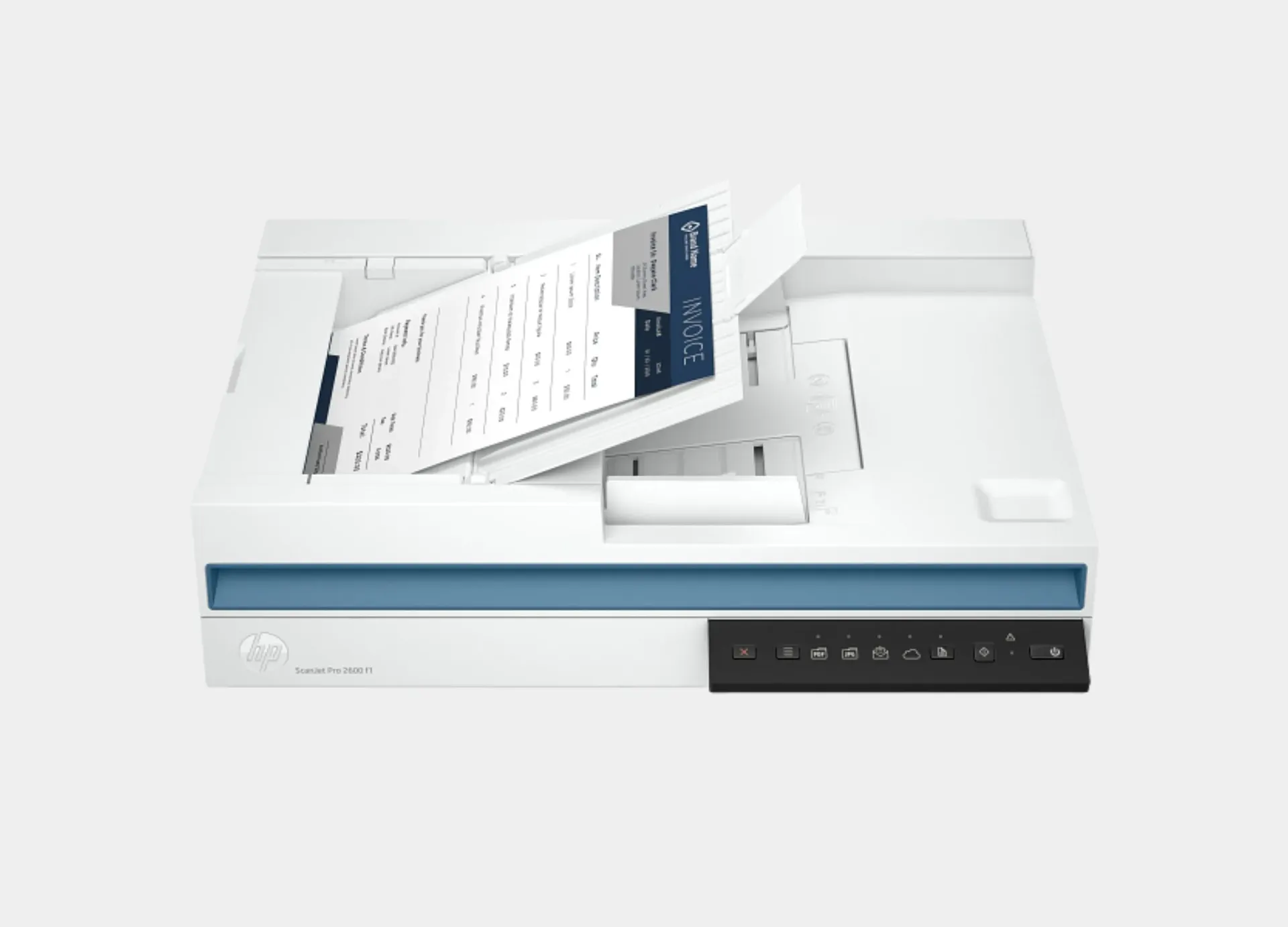
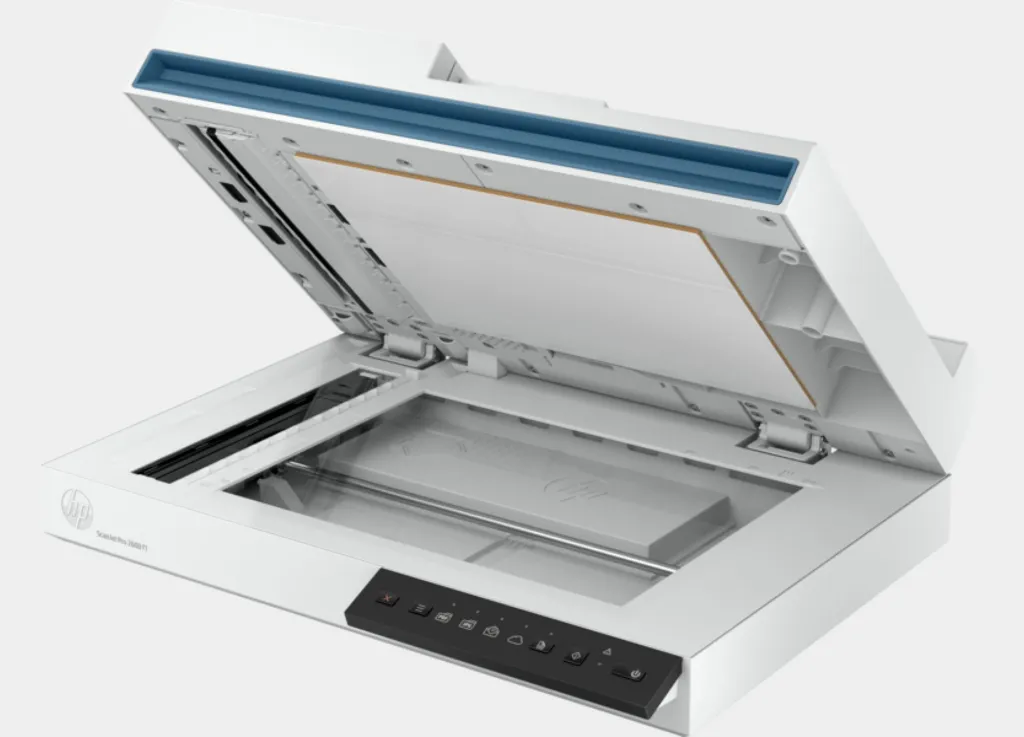
The scannerHP ScanJet Pro 2600 f1is a complete professional solution designed specifically to meet the needs of businesses that require high precision, ultra-speed, and reliability in document archiving and management. This device combines flatbed scanning technology with an automatic document feeder (ADF) to provide a flexible and comprehensive work experience.
Here is a comprehensive detail of its key features and capabilities:
1. Superior performance and continuous productivity
Exceptional scanning speed:Completes tasks at speeds of up to 25 pages per minute, or 50 images per minute for double-sided scanning (in black and white, grayscale, and color at 300 dots per inch).
Double-sided scanning in a single pass:Supports automatic duplex scanning, saving time and doubling productivity.
Practical automatic document feeder (ADF):Has a standard capacity of 60 sheets, making it easy to handle document batches at once.
Handles heavy work tasks:Designed for a recommended daily duty cycle of up to 1500 pages, making it ideal for offices with medium to high workload.
2. Professional scanning quality and extreme precision
Stunning optical resolution:It provides a scanning resolution of up to 1200 dots per inch (dpi) via the flatbed scanner, and 600 dpi via the automatic document feeder, ensuring the capture of the finest details in images and text.
Advanced sensing technology:It relies on Contact Image Sensor (CIS) technology with an LED light source, and a 24-bit color depth (external) to provide realistic and clear color gradations.
3. Exceptional flexibility in handling media
Variety of document sizes:The flatbed scanner handles documents up to 216 × 297 mm, while the automatic document feeder supports scanning long documents up to 3100 mm in length (suitable for long invoices or diagrams).
Variety of paper types:It supports scanning various media types including plain paper, inkjet paper, photos, envelopes, cards (greeting and index cards), and labels, with weights ranging from 60 to 105 g/m² via the ADF.
4. Smart software and seamless digital workflow
Optical Character Recognition (OCR):It allows the conversion of scanned documents into searchable and editable text, saving files in multiple formats such as searchable PDF, Word (DOCX), Excel (XLSX), and RTF.
Multiple save formats:It supports saving files as images (JPEG, PNG, BMP, TIFF) or documents (PDF, PDF/A, TXT, CSV).
Direct send options:It allows scanning and sending files directly to email, computers, or the cloud, thanks to the shortcuts integrated into the front panel.
Advanced image processing features:It provides automatic tools for background cleaning and removal, removing blank pages, auto-tilt adjustment, document size and color recognition, and page merging, reducing the need for manual editing after scanning.
5. Compact design and wide compatibility
Space-saving design:With dimensions of 491.5 × 325.4 × 133.3 mm and a weight of only 5.4 kg, it can easily be placed on any desk without taking up much space.
Comprehensive compatibility with operating systems:It works smoothly with the latest operating systems including Windows (11, 10, 8.1, 7), Windows Server operating systems, macOS (Mojave, Catalina, Big Sur, Monterey), and Linux.
Efficient power consumption:Certified Energy Star and EPEAT® Silver, consuming only 12.90 watts during active scanning, and features an automatic sleep mode to save energy.
Specifications of the HP ScanJet Pro 2600 f1 (20G05A) scanner
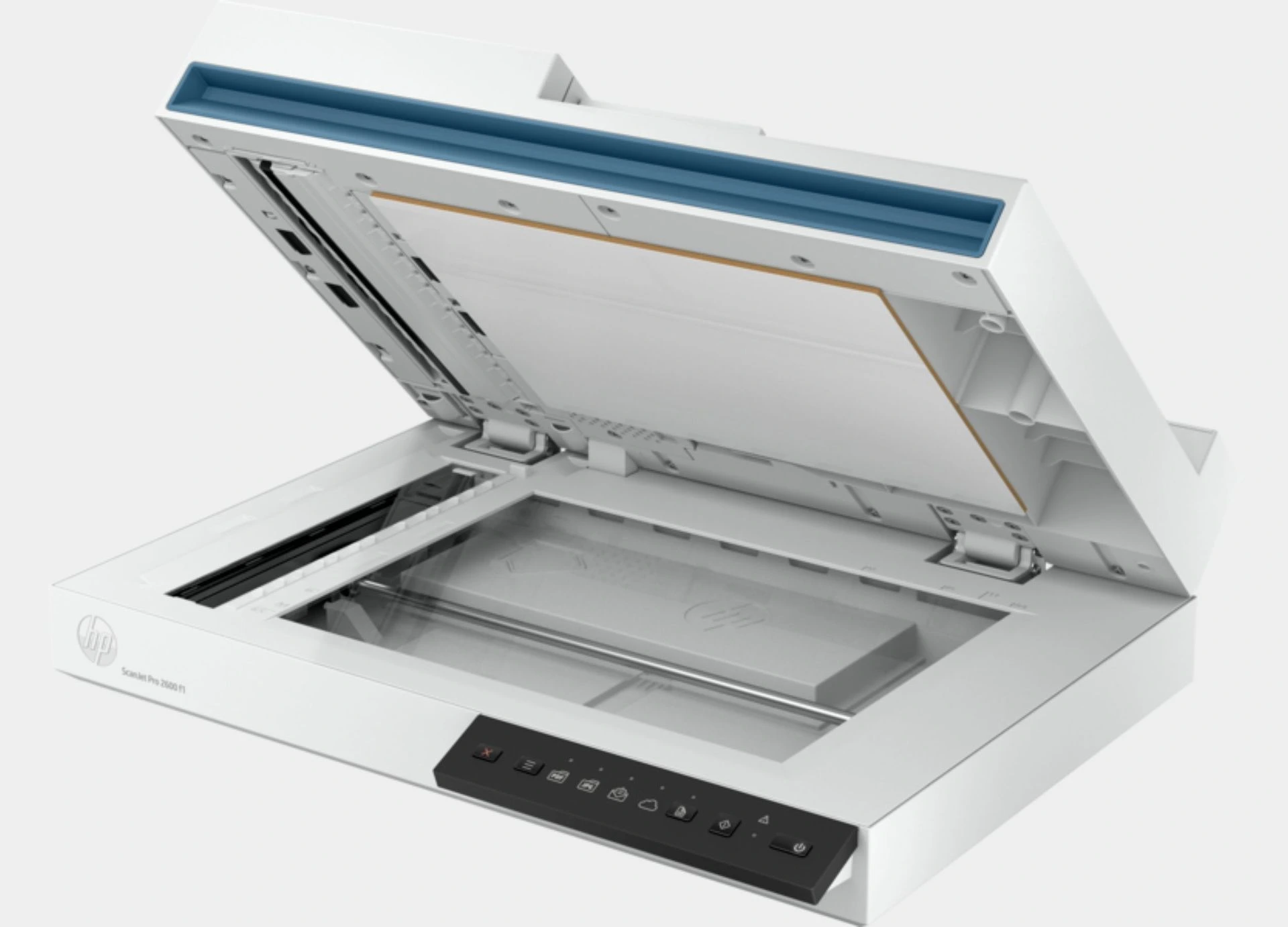
Scanner type:ADF; CIS scanning technology; Flatbed
Digital sending optional features:Send to email; Send to PC
Scan resolution, optical:Up to 600 dpi (color and mono, ADF); Up to 1200 dpi (color and mono, flatbed)
Scan resolution, hardware:Up to 600 x 600 dpi (color and mono, ADF); Up to 1200 x 1200 dpi (color and mono, flatbed)
Enhanced scanning resolution:Up to 1200 dpi
Duty cycle (daily):Recommended daily duty cycle: 1500 pages (ADF)
Bit depth:24-bit (external), 48-bit (internal)
Automatic document feeder scan speed:Up to 25 ppm/50 ipm (b&w, gray and color, 300 dpi)
Scan size (ADF), maximum:216 x 3100 mm
Scan size, maximum:216 x 297 mm
Scan size (ADF), minimum:89 x 148 mm
Automatic document feeder capacity:Standard, 60 sheets
Duplex ADF scanning:Yes
Scan file format:For text and image pages: PDF, JPEG, PNG, BMP, TIF, Text (TXT), Rich Text (RTF), SEARCHABLE PDF, PDF/A, Word (DOC), Word (DOCX), Excel (XLS), Excel (XLSX), CSV
Scan input modes:Scan front-panel function: Save as PDF, Save as JPEG, E-mail as PDF and Send to Cloud. HP Scan in Windows OS, HP Easy Scan/ICA in Mac OS and third-party applications via TWAIN
Color scanning:Yes
Levels of grayscale:256
Image scaling or enlargement range:Will not perform any arbitrary scaling
Scan technology:ADF; Flatbed; Contact Image Sensor (CIS)
Scanning options (ADF):Single-pass Duplex scanning
Multifeed detection:No
Output resolution dpi settings:75; 150; 200; 240; 300; 400; 500; 600; 1200 ppi
Light source (scanning):Light Emitting Diode (LED)
Document weight ADF (maximum):105 g/m²
Media size (ADF):Letter; Legal; Executive; A4; A5; A6; B5; B5 (JIS)
Media types:Paper (banner, inkjet, photo, plain), envelopes, labels, cards (greeting, index)
Media weights, supported ADF:60 to 105 g/m²
Scanner advanced features:One pass duplex scanning; Configurable Scan shortcuts with HP Scan (included): OCR; Auto exposure; Auto threshold; Auto detect color; Background smooth/removal; Auto detect size; Straighten content; Enhance content; Auto orient; Multicolor dropout; Edge erase; Blank page options: Delete Blank Page, Blank Page Detection Sensitivity, Zonal Blank Detect; Merge pages; Document separation options: Zonal Text Separation, Barcode Separation, Blank Page Separation (Front/Back/Both/Any side selection), Add Page Separator Manually; Auto Feed; Show Viewer After Scan and Post Scan Operations are: Mark the image for Deletion, Rotate option, Move Left/Right, Create/Delete New Selection, Save as Scan Area, Manual Straighten option, Drag and Crop, Undo Options, image - Basic Zoom Slider, Open in Zoom Window (Zoom, Crop, Rotate); Background Clean-up options: Clean-up Background, Remove: make white, Smooth: make consistent, Remove Holes, Multi-Streaming; Single zone Selection for Zonal OCR, Barcode and QR Code; PDF options: PDF Security Settings (Applicable for PDF and Searchable PDF), Password Security & Document Permission Settings, PDF – iHQC compression, File Size/Quality Slider; TIFF Compression Options: for Gray or Color: Uncompressed/LZW/Jpeg-Tiff, for BW: Uncompressed/LZW/Tiff G3/Tiff G4; File Name Options: Base Name, Date, Time, Document Counter, Barcode Value, Zonal Text, File name sequence Settings, If File name already exists Actions - Overwrite/Append Date Time Stamp/Prompt for File Name, Intelligent File Naming; Destinations options: Email (Mail Clients, Save Local Copy Option, Local or NW), Folder, Save Folder path, Show Save as Dialog Box, After Saving the File(s) action, Printer/Fax, Plugins available if not already included: SMTP, SFTP, Box and Evernote, SharePoint, SharePoint365, Google Drive, Dropbox, OneDrive, One Drive for Business and more; Enable Book Scan (Flatbed); Vertical Streak Removal/Detection; Multi Document Scanning; Enable Desktop Icons creation for Scan Profiles/Shortcuts; Shortcut Management: Create new Scan Shortcut, Delete Shortcut, Rename Shortcut, Shortcut Move Up/Down, Shortcut – Save/Undo, Restore Shortcut Defaults-Factory Settings, Import/Export Shortcut; retrieve shortcuts from Scanner without accessing the software on the PC
Compatible Operating Systems:Windows 11; Windows 10; Windows 8; Windows 8.1; Windows 7; Windows Server; macOS 10.14 Mojave; macOS 10.15 Catalina; macOS 11 Big Sur; macOS 12 Monterey; Linux
Mac compatible:Yes
Minimum System Requirements for Macintosh:macOS Mojave 10.14, macOS Catalina 10.15 and macOS Big Sur 11.x; Internet required
Minimum System Requirements:Microsoft® Windows® (11, 10, 8.1, 7 : 32-bit and 64-bit, 2008 R2, 2012 R2, 2016, 2019); 2 GB available hard disk space, Internet connection, Microsoft® Internet Explorer or any browser
Twain version:Version 2.4
Processor speed:666 MHz
Memory:256 MB
Software included:HP Scan Software, HP Scanner Device Driver, HP WIA scan driver, HP TWAIN scan driver, HP Scanner Tools Utility
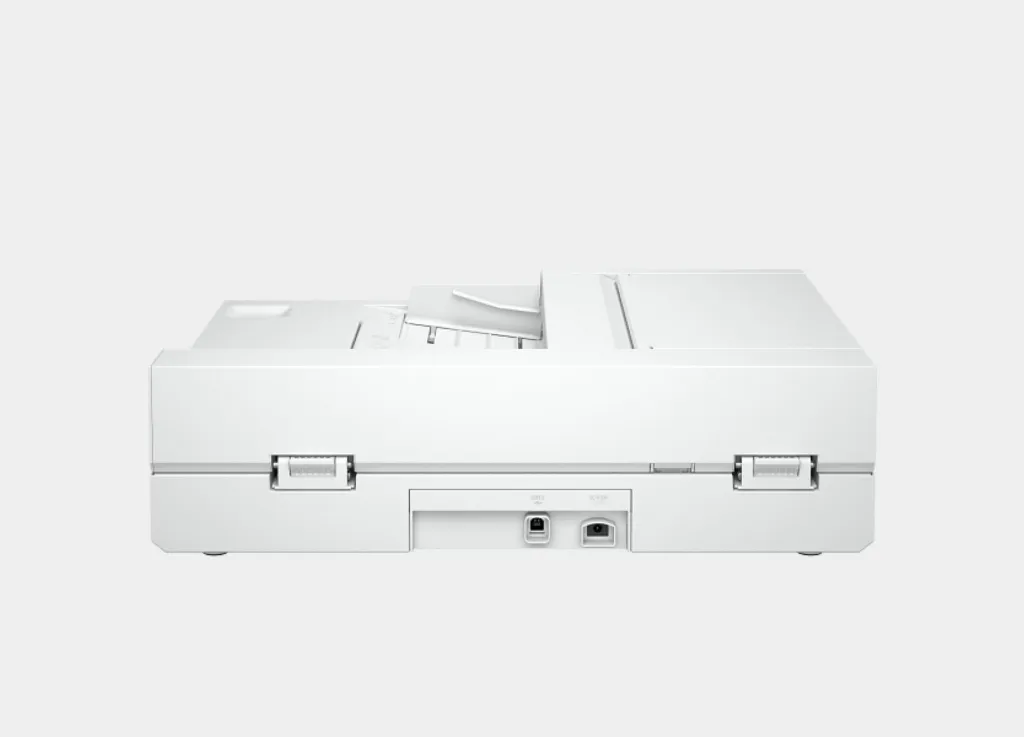
Connectivity, standard:USB 2.0
Power:Input Voltage: 100 to 240 VAC
Power supply type:External power adapter
Power consumption:12.90 watts (Active - Scanning), 5 watts (Ready), 1.11 watts (Sleep), 0.06 (Auto-Off), 0.06 (Manual-Off)Control panel:6 lights (Shortcut, Duplex, Error); 5 buttons (Power, Scan, Duplex, Shortcut Select, Cancel)
Security management:Power button to on/off
Operating humidity range:15 to 80% RH (non-condensing)
Recommended operating humidity range:30 to 70% RH
Non-Operating Humidity Range:0 to 90% RH (non-condensing)
Operating temperature range:10 to 35°C (50 to 95°F)
Recommended operating temperature range:17.5 to 25°C (63.5 to 77°F)
Storage temperature range:-40 to 60°C (-40 to 140°F)
Acoustic power emissions (active, printing):6.5 B(A)
Dimensions (W x D x H):491.5 x 325.4 x 133.3 mm
Maximum dimensions (W x D x H):491.5 x 422.28 x 387.42 mm
Weight:5.4 kg
Package dimensions (W x D x H):600 x 245 x 499 mm
Package weight:7.3 kg
Ecolabels:CECP; IT ECO Declaration; SEPA; EPEAT® Silver registered
Energy star certified:Yes
Electromagnetic compatibility:Class B Emissions; CISPR 32:2015 (International); European Union EMC Directive 2004/108/EC, EN 55032:2015 (CE mark); China GB9254-2008 (CCC); Taiwan CNS13438:2006 (BSMI); USA CFR47 Part 15, Subpart B (FCC); ICES-003:2020 Issue 7 (Canada); Australia C-tick (includes New Zealand); KN 22 and Korea KCC; EAC EMC Certificate; Ukraine EMC approval; EN 61000-3-2:2014 (harmonics); EN 61000-3-3:2013 (flicker); Immunity 55035:2017
Safety:IEC62368-1:2018, IEC 60950-1:2005 +A1 and all applicable amendments; CSA/UL 60950-1, 2nd edition (2007); EN 60950-1:2006 +A11 +A1 +A12+A2; EAC safety; Canada cUL CoC; China CCC; European Union CE; Kenya PVOC; Kuwait TER; Nigeria SON; Saudi Arabia SASO; South Africa NRCS; Taiwan BSMI; Ukraine safety approval
What's in the box:HP ScanJet Pro 2600 f1 Scanner; Install Guide; Supporting flyers; Cushions; USB cable; Power adapter; Power cords